SoundDevX - Sound FX Generator
Follow us and be notified of future updates!
Twitter / X | Discord
NOTICE: To Mac and Linux users, we have made an experimental demo available. Please test the Save, Load, and Render features, so we can know if there are any issues with them before launching the full version for these systems.
Thank you.
Introduction
SoundDevX is a powerful sound effect creation software created to aid video game developers in generating sounds for video games.
• Quick Tutorial
-
1. On the Add Effects window, select "Change Pitch
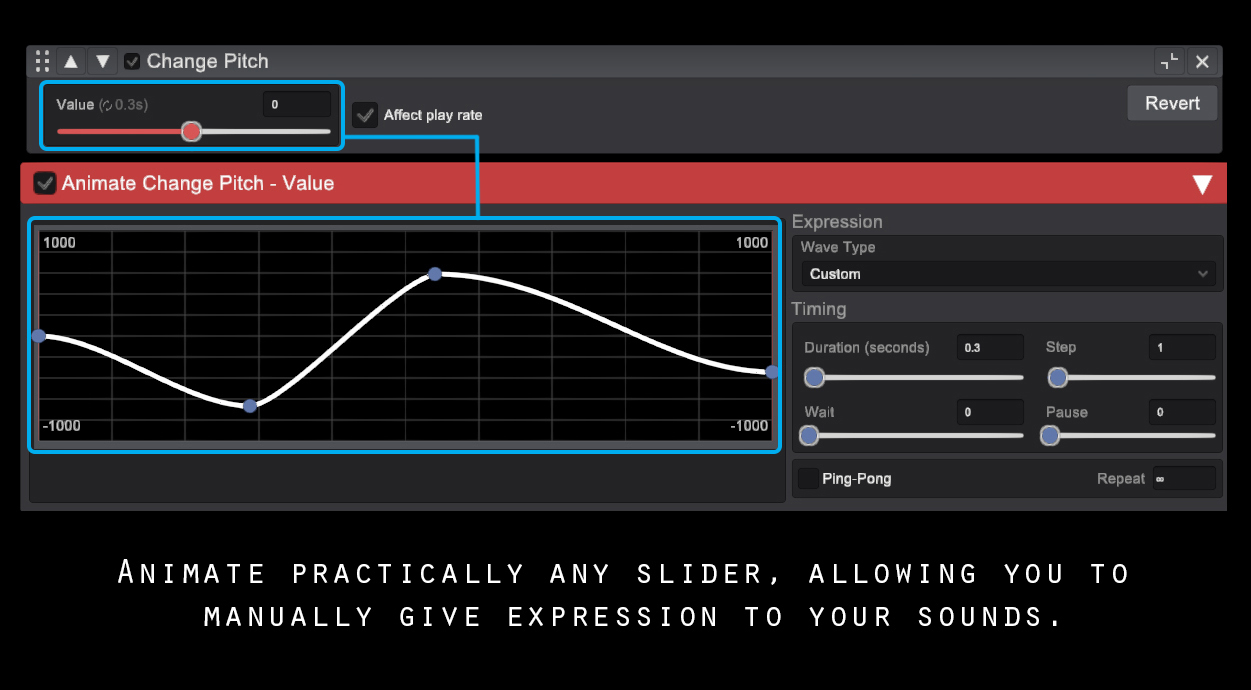
2. Double-click the Value slider, and a red window will pop up. This window allows you to animate the slider.
3. Move one of the points in the Animate window's graph. You can create new points by double-clicking anywhere in the graph line.
-
This should give you an idea of what is possible to achieve with the tool. Try adding other effects, and messing around with different values!
FEATURES:
- Multiple soundwaves to modify.
- Animate practically any Slider! This is one of the main features of the 2.0 version, allowing users to animate sliders and changing their value over time.
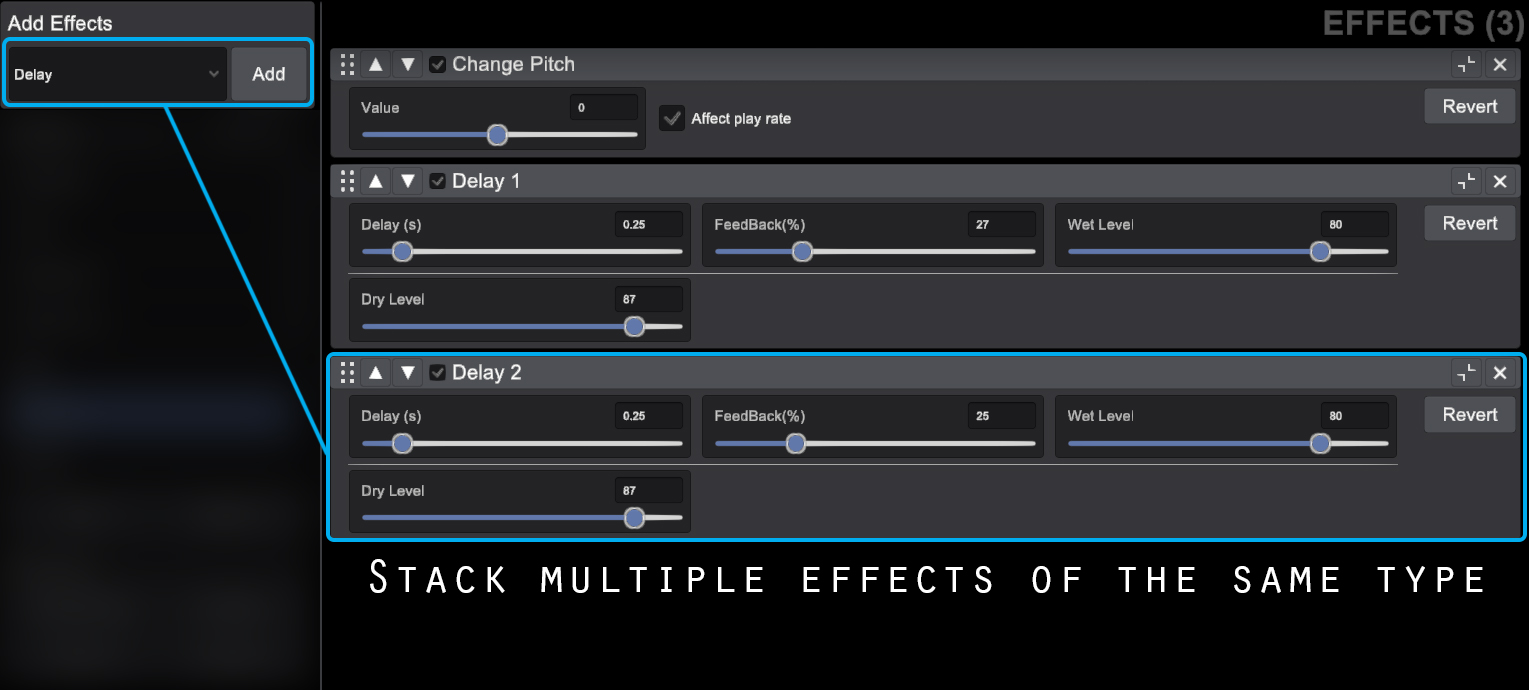
- Add and stack the effects you want on your sounds.
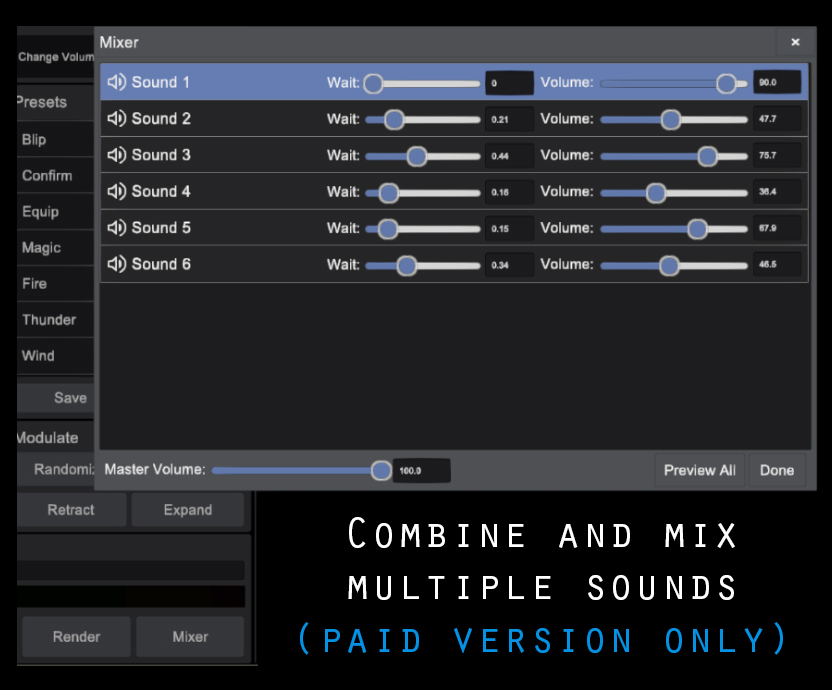
- Create and manage multiple effects per project. Mix them to create more intricate, richer sounds.
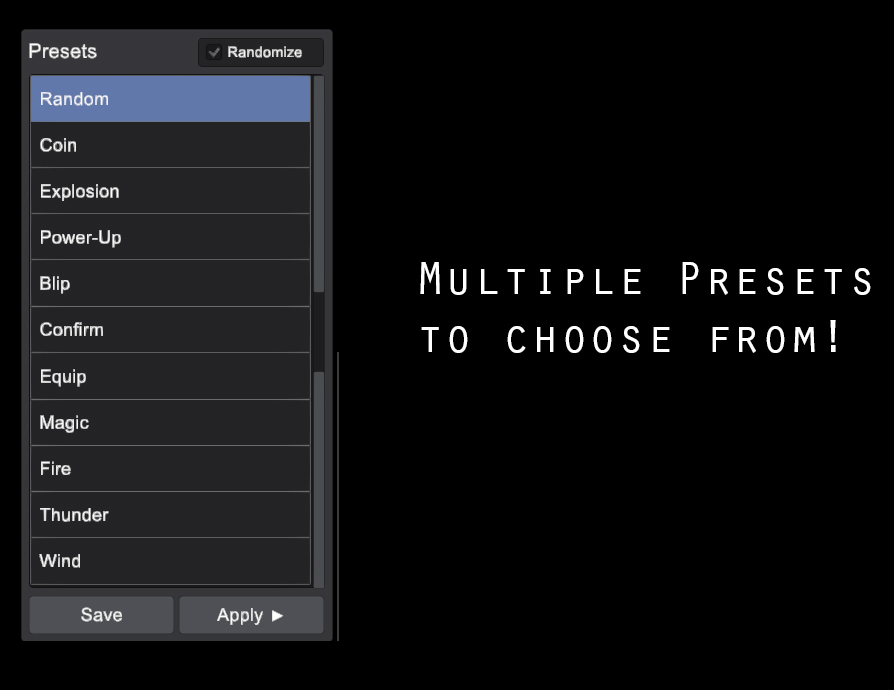
- Many Different Presets to experiment with.
- Import Custom Sounds from your computer and modify them within the tool.
- Record sounds from your mic and import them back to SoundDevX to modify them.
- Render your sound to use it on your games.
- Save your presets to modify them later or share it with other users.
Features by Version
| - FEATURE - | - FREE - | - PAID - |
| Base wave types included | 16 | 16 |
| Import custom sound | Yes | Yes |
| Record from nic & other Input | Yes | Yes |
| Max Sounds per project | 3 | Unlimited |
| Max effects per Sound | 7 | Unlimited |
| Animate sliders | Yes | Yes |
| Save Project, Save editable Sounds (.sdx) | Yes | Yes |
| Save quick presets | No | Yes |
| Mixer (mix multiple sounds together) | No | Yes |
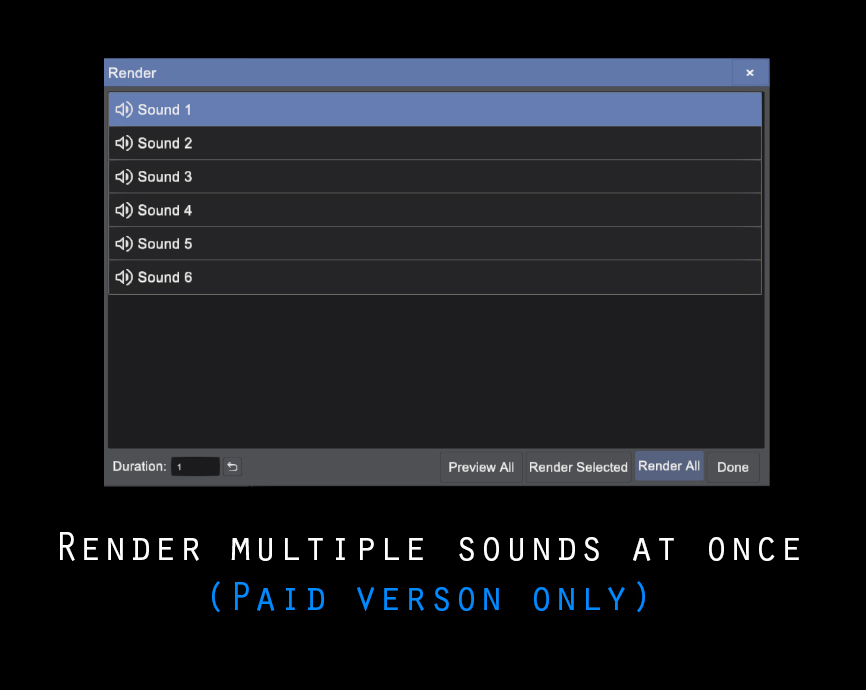
| Render options | Render Selected | Render Selected, Render All |
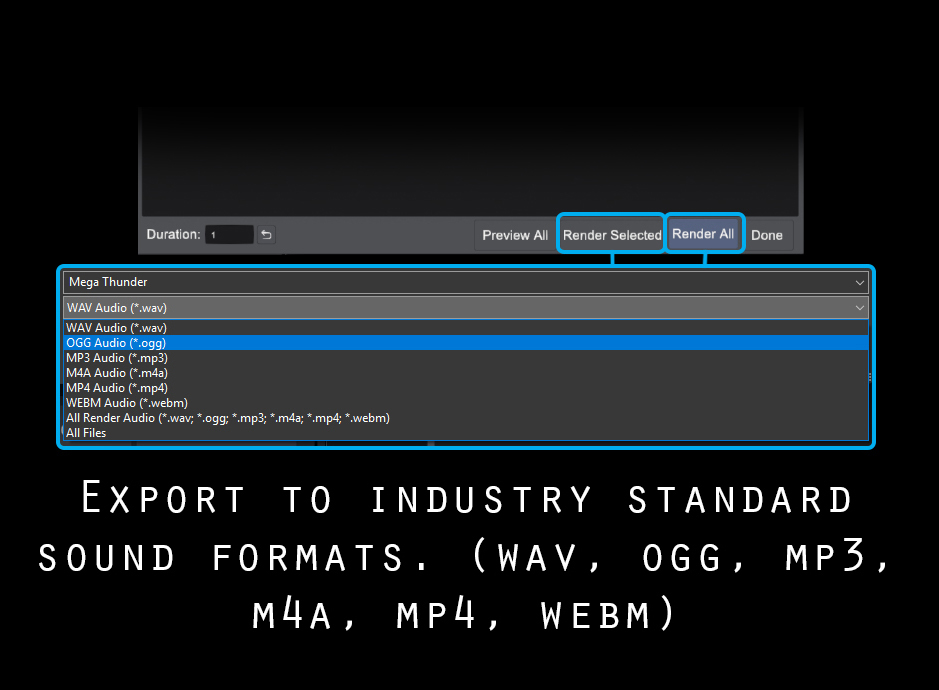
| Exporting options (.wav, .webm, .ogg, .mp3. m4a, .mp4) | All | All |
| Sound Engines | WebGL, FMOD (Desktop Only) | WebGL, FMOD |
- Do you like this tool? -
Please rate it!
► ★★★★★ ◄
Credits:
- Designed by Edgar Ferreira
- Programmed by Rafael Alvarez
Purchase
In order to download this tool you must purchase it at or above the minimum price of $5 USD. You will get access to the following files:
Download demo
Development log
- SoundDevX updated to version 2.0.5! Desktop Demo available.35 days ago
- SoundDevX 2.0.1 - Tutorial and minor improvements46 days ago
- SoundDevX 2.0 is out!47 days ago
- SoundGen is now SoundDevX!Jul 01, 2022
- Version 1.0 Out!Jun 20, 2022
- Removed .ogg opus supportMar 13, 2021
- Offline Version now availableMar 13, 2021
Comments
Log in with itch.io to leave a comment.
can you make the 1.0 version available too
The 1.0 version is now available on the Demo section :)
How do you convert .sound files?
Hello, .sound files are used internally by the software to load in different sessions, so you can edit them. To get a usable sound file, you need to click Record > Start Recording, and save the result.
Hi, just downloaded this program to test on Windows and if I save a preset, generate a completely new sound and then load the saved preset, then play - I don't have the saved preset. It seems that Load preset doesn't not work. When I load any preset, no sliders change position. Am I missing something here?
Actually, looking at the preset file exported (*.sound) sometimes, they are a javascript dump and other times they are a webm file. So there's something seriously wrong with the preset exporting.
Are you sure that when you're getting a .webm you didn't hit "record"?
If you save a preset and load it on the web version, do you still get those bugs?
We are currently working on a major overhaul to the app, so all of that should be solved in the next version.
dude, this tool is actually so cool. I could make anime-esque sound effects very easily and it sounds so satisfying
We're glad you're enjoying it!
Big Animal Well vibes in the sounds. Maybe Billy used similar algorithms or even this same tool.
this a fun little sfx generator, but the Linux build does not seem to work on KDE plasma, getting the following error:
Hello ShadowFungi! Thank you for reporting this bug.
We will export a new Linux version soon that should fix any issues.
How can I save a file? Everything went well and I saved the preset for the sound I wanted just in case, but I can't seem to export the sound itself. I can't see the option, idk if I'm blind or desktop version just can't export 😭
Hello FlanWT, you can use the "Save Preset" option on the top left to get a save file so you can load it later :)
Your program is great! It has several additional features compared to sfxr, bfxr etc. I loved the "impact" style! Very useful! But I also missed some things: undo and redo buttons. Without them we have to be very careful when making changes. If we want to go back to the previous state it is difficult to get it right perfectly. And it's not possible to Load Preset. I tried in the linux version and here in itch.io.
We're glad you like our tool! Thank you for the suggestions, and bug report, we will implement these fixes on the next version.
Cheers!
Do you like this tool?
Tell us what new features you would like to see!
This tool is super useful. I would like to have an option to convert the output to a .wav file instead of using the third party tool
Thank you! We will look into it and consider including this in a future version.
Opening preset files doesn't do anything please fix, this is not very usable at the moment
Hello Dwardfwarf, presets are used for when you want to save and load parameters from a sound effect you created, so you can modify it in different sessions or share it with others.
If you're looking to load an audio file, you need to go to the Properties window, select Type > Custom and browse for the audio file you want to load.
Thanks this helps. Though after saving a preset to a .sound file it doesn't seem to set my parameters when loading it. Do you need a video of the problem?
Hm that's strange, yes please if you could provide a video or a gif showcasing this, I would appreciate it
Thank you
I see that you're using the Desktop version, that seems to be related to the issue.
Thanks! We'll look into this.
We're planning on releasing a new version of this software soon, so we'll get this fix on it.
Cheers!
Ferramenta perfeita!
Hey everyone! Hope you're enjoying our software :)
If you have suggestions or new presets you'd like to see added let us know. If you like our software help us spread the word and share it with others!
Consider following us on Twitter
Happy Sound Design!
I'm unable to open the Mac OS X version, this is all that I get -
Is there something I can do to open this file?
Hello! We have added a new version of the software, and updated the MacOs file. We also uploaded an alternative MacOs file that should work in case the regular one doesn't.
neat!
Greetings, this is going to be a bit random, perhaps, but I was unable to locate another form of contact and I am in need of a Pixel Artist. Are you taking comissions? If you could contact me at raphaeldelmaschio at gmail dot com that would be nice.
Kind regards,
Raphael.
Hello Raphael, I apologize for the late response.
That is quite alright, I have a twitter page where I take commissions, you can find it here:
https://twitter.com/Cr_Method
Thank you!
Hello, I know this program was created just for using sound effects but I accidentally made a sick beat with a custom sound file and when I save it as an mp3 it just has this screech fade in-->out echo effect while effectively only lasting 1 second long while looking like this: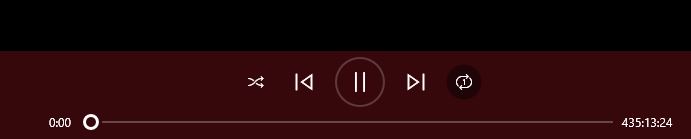
Any tips on what I should do?
Hey! Thank you for your feedback :) I apologize for the long time to respond, I only saw your comment today.
Try exporting it as webm and converting it into mp3 using a conversion software. Webm seems to be the most stable file format at the moment.
I apologize for the inconvenience.
Hello again, thanks to the reply you sent me I was able to properly get a functioning audio file! The main problem I had was I was saving the file as a preset .sound --> .mp3/.wav file and the conversion for any of the files created were unable to be converted, even for viewing in audacity I had to import it as raw data to see half a second of sine waves wondering why it was. But I believed what you replied with was the truth and still the key to solve my situation and eventually after trying to convert every common file I could think of with no progress I tried loading it up again and went default settings + custom file and tried using the [START RECORDING] button and saw there was only a .webm option and it worked! I retuned the effects, recorded it, and converted it to .mp3 I got what I was listening to in the app.
Thank You Very Much!
No problem! Gald you got it working :)
I see now what you meant before, you had saved it as a preset only, which only saves a file to be used in the software if you need to edit your sounds for example. It's not meant to export. I realize that it may be a bit confusing, maybe I'll change that and try to make it more intuitive.
Cheers!
Would've been great to have previewed the sound each time you change any of the effects. Only after you're happy with that sound, you should export it.
Right now it's really cumbersome to change effect > start recording > wait > hit cancel (you're not happy with the sound) > change effect > start recording > wait ,etc.
Hey Alex! Thank you for the feedback :)
Do you mean the sound playing automatically each time a slider is changed? Instead of having to press the play button?
In order to preview the sound without recording it you can just hit the button "Play" and you can stop it whenever you wish by hitting the Stop button next to it. That way it won't be recorded, just previewed.
Hi Ed,
"Do you mean the sound playing automatically each time a slider is changed? Instead of having to press the play button?"
YES exactly. That would be great :)
Can you do that? Is it hard?
I will see what I can do :)
Yes please :)
Hello Rogerty! It's been a while but we have finally managed to add the feature you requested, feel free to try it out :)